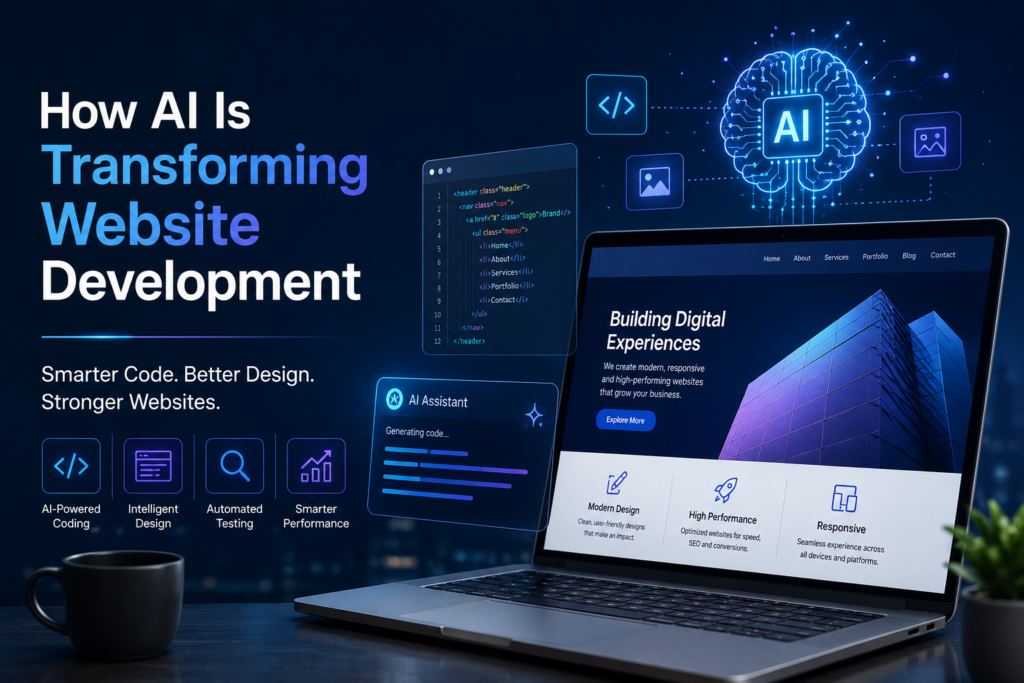
Artificial intelligence is changing how businesses plan, design, build, and improve their websites. Tasks that once required hours of manual work can now be supported by AI-powered tools, helping development teams work more efficiently and explore new ideas.
Today, AI for web development is becoming an important part of modern digital strategy. From generating code and testing website functionality to personalizing user experiences, AI is creating new opportunities for businesses of all sizes. However, successful website development still requires human expertise, thoughtful planning, strong security, and a clear understanding of business goals.
In this guide, we explore how AI is transforming website development, its key benefits, the tools businesses can consider, and the challenges they should understand before adopting AI. Whether you run a startup, manage an established company, or plan to build a new website, this article will help you understand what AI can do for your digital presence.
What Is AI for Web Development?
AI for web development refers to the use of artificial intelligence technologies to support tasks involved in planning, designing, building, testing, and maintaining websites.
These technologies can analyze information, generate code suggestions, identify possible errors, create design concepts, and help deliver more personalized website experiences.
For example, a developer can use an AI coding assistant to generate a basic website component. The developer can then review the code, test it, improve its accessibility, and adapt it to the project’s requirements.
How Does AI Work in Modern Website Development?
AI-powered development tools use different technologies depending on their purpose.
- Generative AI: Helps create code, content drafts, design concepts, and other digital assets.
- Machine learning: Identifies patterns in data and can support predictions or personalization.
- Natural language processing: Helps systems understand written or spoken requests.
- Intelligent automation: Supports repetitive tasks, testing workflows, and routine development processes.
These technologies work best when combined with clear requirements and professional oversight. AI can assist with many development tasks, but it does not automatically guarantee a secure, accessible, or high-performing website.
AI is influencing several stages of the website development process. Here are seven important ways businesses and developers can benefit.
1. Faster Coding and Website Development
Writing code is an essential part of website development, but some tasks are repetitive and time-consuming. AI coding assistants can help developers draft functions, explain unfamiliar code, suggest improvements, and create basic components.
For example, when building a contact form, an AI tool might suggest an initial HTML structure or validation logic. A developer can then adapt it to the website’s design, backend, and security requirements.
AI can help teams:
- Generate initial code drafts.
- Understand existing code more quickly.
- Identify potential errors.
- Create reusable website components.
- Document parts of a project.
Business benefit: Development teams may spend less time on routine tasks and more time improving functionality, usability, and overall quality.
However, generated code should always be reviewed and tested. AI-generated output can contain errors, outdated practices, or security weaknesses.
2. Smarter Website Design and Prototyping
Website design involves understanding the audience, planning the user journey, arranging content, and creating an effective visual experience. AI tools can support this process by generating layout ideas, suggesting visual directions, and helping teams explore different concepts.
For example, a business launching an online store might use AI to explore product page layouts, homepage sections, or different ways to present product information.
AI can assist with:
- Early design concepts and wireframes.
- Layout and component suggestions.
- Draft website copy.
- Design variations for different audiences.
- Rapid prototyping before development begins.
Business benefit: Teams can explore more ideas early in a project and use feedback to refine the final design.
AI-generated designs still need human review to ensure that the result reflects the brand, supports the target audience, and works across different devices.
3. Automated Website Testing and Debugging

A website should work reliably before it goes live. Testing helps identify broken links, form errors, layout problems, and other issues that can affect visitors.
AI-assisted testing tools can help generate test cases, analyze error patterns, and highlight areas that may need further investigation.
For example, an online booking website may need to test form submissions, confirmation messages, navigation, and different screen sizes. Automated tests can repeat these checks and alert developers when something fails.
AI-supported testing can help teams:
- Identify potential defects earlier.
- Generate test scenarios.
- Detect unusual behavior in application logs.
- Repeat regression tests after updates.
- Reduce some repetitive manual testing work.
Business benefit: Testing can become more systematic, helping teams catch issues before they affect customers.
AI does not replace comprehensive quality assurance. Real-world testing, human review, security checks, and accessibility testing remain important.
4. Personalized User Experiences
Different website visitors have different needs. A first-time visitor may need an introduction to a business, while a returning customer may want to find a product, check an order, or access support.
AI can help websites deliver more relevant experiences when it uses appropriate information and respects user privacy.
Examples include:
- Product recommendations based on relevant browsing or purchase data.
- Content suggestions related to a visitor’s interests.
- Intelligent search that better interprets user queries.
- Personalized support based on a customer’s request.
- Navigation improvements informed by aggregated user behavior.
Imagine an online store that recommends related products after a customer views a particular category. Relevant recommendations may make product discovery easier.
Business benefit: Thoughtful personalization can improve navigation, engagement, and the customer journey.
Businesses should be transparent about data collection, follow applicable privacy requirements, and avoid personalization that feels intrusive or unfair.
5. Improved SEO and Website Performance
Search visibility depends on useful content, clear website structure, accessible pages, relevant information, and a good user experience. AI can support several parts of this process, but it cannot guarantee higher search rankings.
AI-assisted tools can help development and marketing teams:
- Identify possible technical SEO issues.
- Suggest improvements to page titles and descriptions.
- Organize content topics and keyword research.
- Review internal linking opportunities.
- Analyze website performance data.
- Identify potential content gaps.
For example, an AI-assisted audit may flag missing image alt text or inconsistent page titles. A developer or SEO specialist can review these findings and prioritize appropriate fixes.
Website performance also matters. Developers can use analysis tools to investigate slow-loading pages, large assets, and other performance problems. AI may assist with interpreting findings, while actual improvements must be implemented and measured.
Business benefit: AI can help teams organize optimization work and identify opportunities to improve website quality and discoverability.
For search performance, focus on helpful, original content and sound technical implementation rather than producing large amounts of generic AI-generated text.
6. Chatbots and Intelligent Customer Support
Customers often visit websites outside regular business hours. AI-powered chatbots can help answer common questions, guide visitors to relevant pages, and collect initial information about their needs.
For example, a service business could use a chatbot to explain its services, answer basic pricing questions using approved information, or direct a potential customer to a contact form.
Common applications include:
- Answering frequently asked questions.
- Guiding visitors through service options.
- Helping customers locate relevant information.
- Collecting preliminary enquiry details.
- Directing complex requests to a human team.
Business benefit: A well-designed chatbot can make basic information easier to access and help businesses manage routine enquiries.
Chatbots should not invent answers or make promises the business cannot keep. Visitors should have a clear way to contact a person when they need more help.
7. Better Accessibility and Responsive Design
A well-built website should be usable by people with different needs and across a range of devices. AI tools can assist developers by identifying possible accessibility issues, suggesting code improvements, or helping test layouts across screen sizes.
For example, an automated review may flag a missing form label or suggest checking the contrast between text and its background.
AI-assisted workflows can support:
- Reviewing image alt text.
- Identifying missing form labels.
- Checking color contrast.
- Suggesting responsive layout adjustments.
- Finding potential navigation problems.
Business benefit: These tools can help teams identify issues that might otherwise be overlooked.
However, automated checks cannot establish that a website is fully accessible. Human evaluation, keyboard testing, assistive technology testing, and feedback from users remain valuable.
Benefits of AI Website Development for Businesses
The value of AI is not simply about using new technology. It is about solving business problems and helping teams deliver better digital experiences.
Here are some important benefits of AI-assisted website development.
Greater Development Efficiency
AI can help reduce time spent on certain repetitive tasks, from drafting code to preparing test cases. This allows developers to focus more attention on complex features and business requirements.
The actual time saved depends on the project’s size, technical complexity, and the quality of the AI-assisted workflow.
Faster Prototyping and Experimentation
Businesses can explore design concepts, content structures, and functionality ideas before committing to a final approach. Faster experimentation can make it easier to gather feedback and refine a website.
More Relevant Customer Experiences
When used responsibly, AI can help businesses present useful content, product suggestions, or support options based on a visitor’s needs.
Support for Data-Informed Decisions
AI can help analyze large amounts of website information and highlight patterns. Teams can use these insights alongside analytics, customer feedback, and business objectives to make better decisions.
Opportunities for Ongoing Improvement
Websites need regular updates to remain useful, secure, and effective. AI-assisted monitoring and analysis can help teams identify issues and prioritize maintenance activities.
It is important to remember that AI does not automatically make every website cheaper, faster, or more successful. Results depend on how the technology is selected, implemented, reviewed, and maintained.
Popular AI Tools for Web Development
Different AI tools support different parts of the development workflow. The right choice depends on the project’s technical requirements, budget, privacy needs, and team experience.
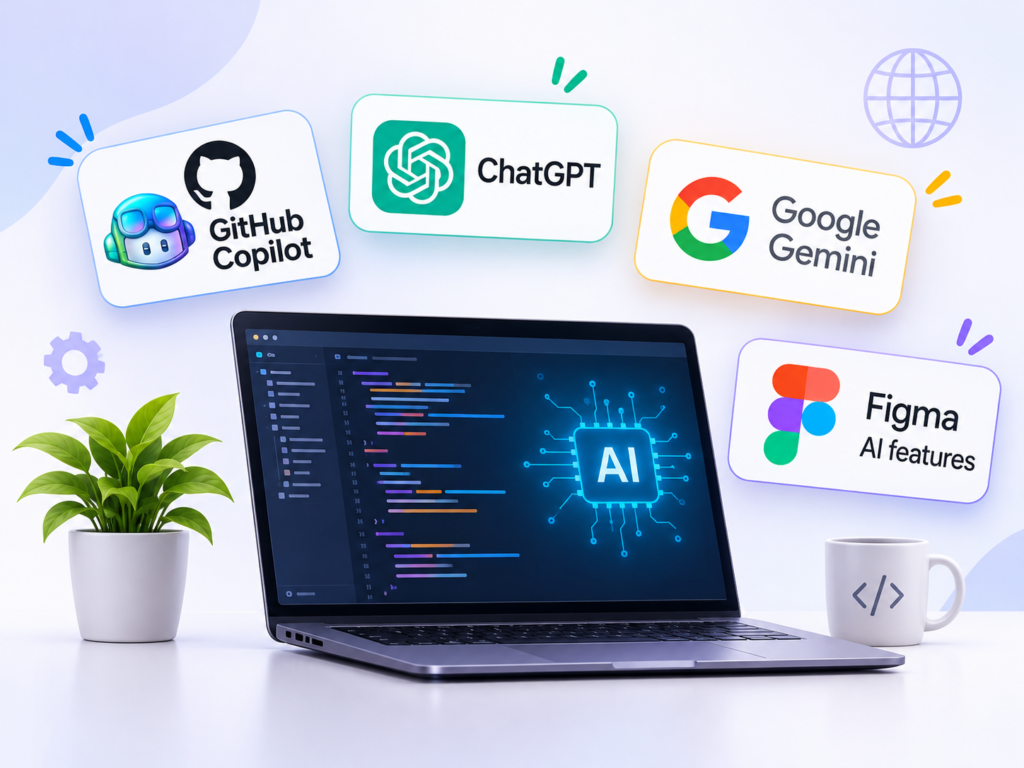
Here are examples of tools and platforms worth exploring:
1. GitHub Copilot
An AI coding assistant that can help developers generate code suggestions, explain code, and work through development tasks.
2. ChatGPT
Can assist with brainstorming website structures, explaining programming concepts, drafting code examples, troubleshooting ideas, and preparing initial content.
3. Google Gemini
Can support coding assistance, technical problem-solving, research, and content-related tasks depending on the available product and integrations.
4. Figma AI features
AI capabilities within design workflows can help teams explore design ideas and work with interface content and prototypes, depending on the tools and features available.
5. AI-assisted testing platforms
Tools in this category can help teams create, execute, or maintain software tests. Their features differ, so businesses should assess whether they suit the project’s framework and testing needs.
Before adopting any tool, review its current features, pricing, data-handling policies, and integration requirements. Never submit confidential client information, credentials, or sensitive production data to an AI service without appropriate authorization and safeguards.
Challenges and Limitations of AI in Web Development
AI can improve parts of the development process, but it also introduces risks that businesses need to manage.
1. Accuracy and Code Quality
AI can produce code that appears correct but fails in real situations. Developers must review the output, test edge cases, and ensure it meets project requirements.
2. Website Security and Privacy
AI-generated code and AI-powered features can introduce security or privacy concerns if implemented without proper controls. Sensitive information must be protected, and user inputs and generated outputs should be handled carefully.
3. Generic Designs and Content
AI tools can produce similar-looking designs or repetitive content. Businesses still need a distinctive brand identity, original ideas, and a clear understanding of their customers.
4. Integration with Existing Systems
Adding AI to an existing website may require API integrations, data preparation, compatibility checks, and ongoing maintenance. Not every business needs an AI feature, and not every feature provides enough value to justify its cost.
5. Human Oversight
AI cannot take full responsibility for business goals, legal requirements, user needs, or the quality of a finished website. Skilled professionals remain essential for decisions that require judgment and accountability.
The best approach is to use AI where it provides measurable value while keeping people responsible for quality, security, and the final user experience.
Will AI Replace Web Developers?

AI is changing the role of web developers, but it does not eliminate the need for skilled professionals.
AI tools can generate code, suggest designs, and help automate selected tasks. However, a successful website requires much more than code generation.
Developers still need to:
- Understand business goals and user requirements.
- Plan website architecture and integrations.
- Make technical and design decisions.
- Protect user data and website security.
- Test functionality and performance.
- Maintain and improve the website over time.
AI is most useful when it supports human expertise rather than replacing professional judgment. Developers who learn to use AI tools responsibly can incorporate them into their workflows while continuing to build strong technical and problem-solving skills.
The Future of AI for Web Development
AI is likely to become more closely integrated with website planning, development, testing, and maintenance. As tools evolve, businesses may find new ways to automate routine work and deliver more useful digital experiences.
Several developments are worth watching.
More natural website creation: AI may make it easier to turn clear descriptions into early website prototypes and functional components.
Smarter development workflows: AI assistants may help teams coordinate coding, testing, documentation, and debugging tasks more effectively.
More context-aware websites: Businesses may use AI to improve search, customer support, and content discovery in ways that fit their audiences.
Improved monitoring and maintenance: AI-assisted systems may help teams interpret performance signals, detect unusual behavior, and identify maintenance priorities.
Greater focus on responsible implementation: Security, privacy, accessibility, transparency, and human oversight will remain essential as AI becomes more capable.
These are evolving possibilities, not guaranteed outcomes. Businesses should evaluate new technologies based on practical needs and measurable results rather than adopting AI simply because it is popular.
How Businesses Can Get Started with AI-Powered Websites

Businesses do not need to rebuild their entire website around AI. A more practical approach is to start with a clear problem and evaluate whether AI can help solve it.
Follow these steps:
- Identify a business need. Decide whether you want to improve development efficiency, customer support, content discovery, or website performance.
- Choose a suitable tool. Compare its features, cost, privacy safeguards, and compatibility with your existing website.
- Start with a small project. Test one specific use case before rolling it out across the entire website.
- Review the results. Measure relevant outcomes, such as task completion, error rates, response quality, or time saved.
- Check quality and security. Test functionality, accessibility, privacy, and performance before launching.
- Improve based on feedback. Monitor the results and make adjustments as your business and customer needs evolve.
For example, a small service business could begin by improving its website enquiry process or introducing a carefully tested FAQ assistant. It can evaluate the results before considering more complex AI features.
The goal is not to add AI everywhere. It is to build a website that serves customers and supports business growth.
Frequently Asked Questions
How is AI used in website development?
AI is used to assist with code generation, design prototyping, automated testing, content creation, website analysis, personalization, and customer support. Its role depends on the tools and requirements of the project.
Can AI build a complete business website?
AI tools can generate website layouts, code, and content, and some platforms can create websites from prompts. However, professional review is still important for branding, functionality, integrations, accessibility, security, and SEO.
Is AI website development suitable for small businesses?
Yes. Small businesses can use AI to support tasks such as drafting website content, exploring design ideas, answering common questions, and identifying optimization opportunities. They should select tools based on their actual needs and available resources.
Does AI improve website SEO?
AI can assist with keyword research, content planning, technical audits, and optimization tasks. However, using AI does not guarantee better rankings. Search performance still depends on content quality, relevance, technical health, and how well the website meets users’ needs.
Is AI-generated website code safe?
Not automatically. AI-generated code may contain errors or security weaknesses. Developers should review, test, and validate it before using it in a live website.
Conclusion: Build Smarter Websites with AI and Human Expertise
AI is transforming website development by helping teams work with code, design, testing, personalization, and optimization in new ways. When applied thoughtfully, these capabilities can support more efficient workflows and better digital experiences.
However, successful websites still depend on clear business goals, sound technical decisions, strong security, accessibility, and ongoing improvement. AI should support these foundations rather than replace them.
For businesses planning a new website or upgrading an existing one, the right approach is to combine useful technology with professional expertise. Explore Evgrow Global’s website development services to plan a website that aligns with your goals, serves your audience, and supports your long-term digital growth.